
Social Media Ready: Creating Content with DJI Neo
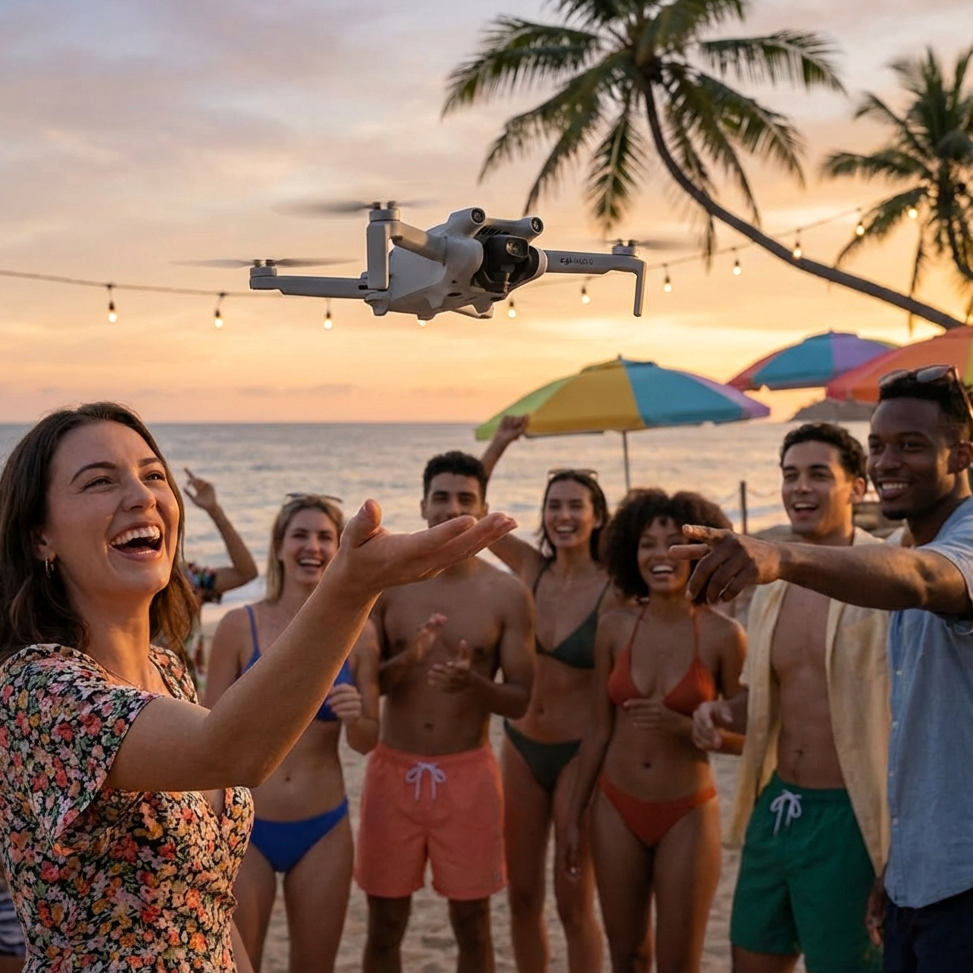
Social Media Ready: Creating Content with DJI Neo
In the fast-paced world of social media, standing out requires creative and engaging content. As a Lifestyle Enthusiast, I've found that the DJI Neo is a secret weapon for content creation. Its unique aerial perspectives and smart features allow me to create videos that grab attention on platforms like TikTok and Instagram.
Capturing the "Wow" Factor
The Neo's ability to capture stunning 4K aerial footage adds a "wow" factor to my social media posts. Whether it's a "Dronie" that reveals a beautiful location or a "Circle" shot that highlights a specific moment, the Neo's QuickShots are designed to be shared.
The drone's AI tracking also allows me to create dynamic "follow-me" videos that are perfect for showing off my latest outfit, a new dance move, or a fun activity with friends.
Fast and Easy Editing
The DJI Fly app makes it easy to edit and share my Neo footage directly from my smartphone. I can quickly trim clips, add music, and apply filters to create a professional-looking video in minutes. The app also features a "One-Tap Edit" function that uses AI to create a finished video for me.
The Neo's internal storage and fast USB-C charging mean I'm always ready to capture and share the next big moment.
Technical Specifications
| Feature | Performance for Social Media |
|---|---|
| QuickShots | Dronie, Circle, Rocket, etc. |
| Editing | DJI Fly App (One-Tap Edit) |
| Video | 4K/30fps (Social Ready) |
| Connectivity | Wi-Fi & Bluetooth |
Conclusion: Your Social Media Sidekick
The DJI Neo is the perfect sidekick for any social media creator. Its ease of use, smart features, and high-quality video make it easy to create content that stands out and engages your audience. It's a tool that helps you share your story in a more creative and impactful way.
Frequently Asked Questions
Q: Can I stream live from the DJI Neo? A: While the Neo doesn't support direct live streaming, you can quickly share your edited videos to any social media platform through the DJI Fly app.
Q: How do I transfer videos to my phone? A: You can transfer videos wirelessly via Wi-Fi or by connecting the Neo to your phone with a USB-C cable.
Q: Is the Neo good for taking selfies? A: Absolutely! The Neo's palm takeoff and AI tracking make it the ultimate selfie drone.
Level up your feed. Explore the DJI Neo.