
Neo surveying tips for venues in complex terrain
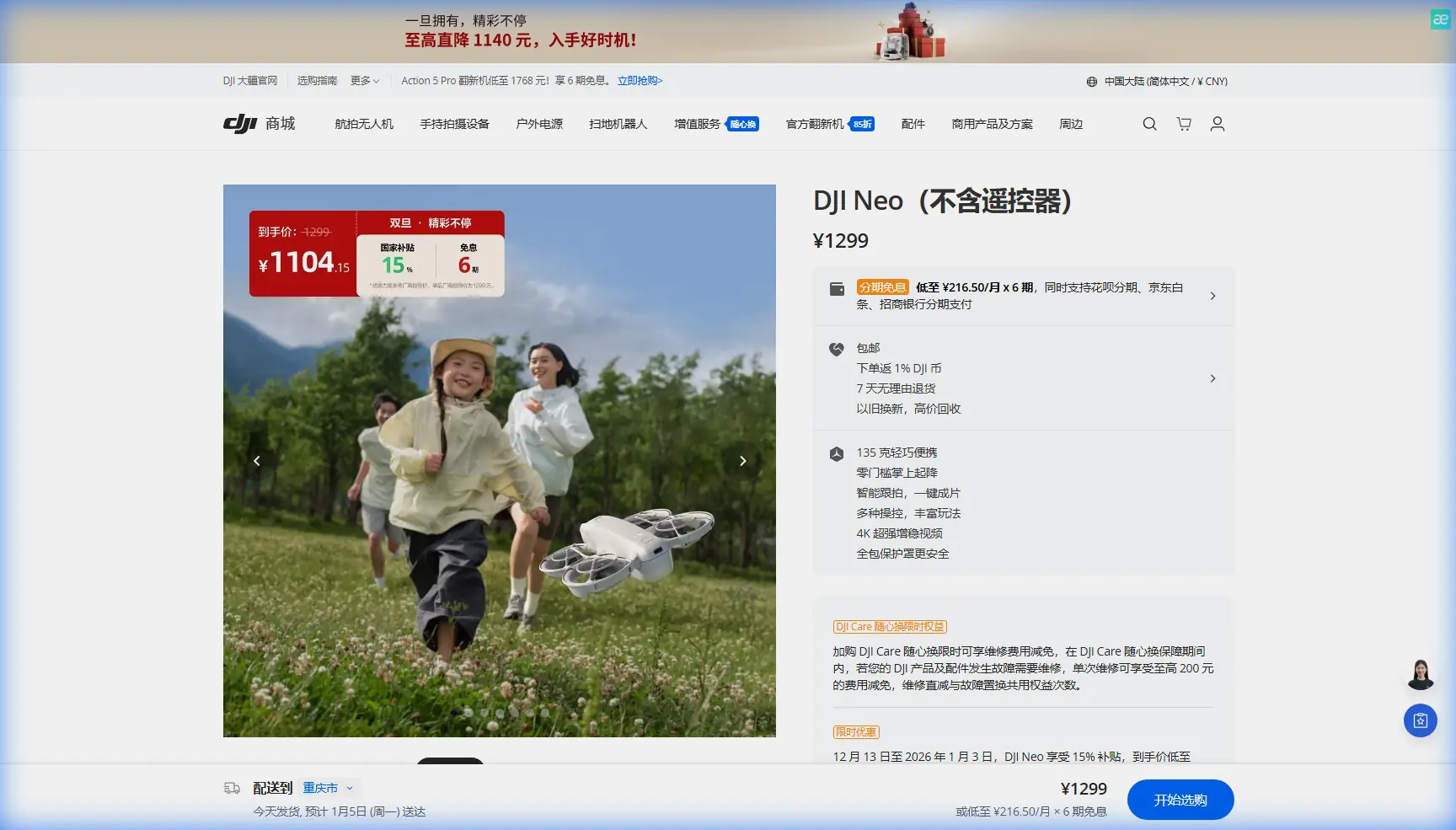
Neo surveying tips for venues in complex terrain
META: Practical Neo surveying tips for venues in complex terrain, with field-tested advice on obstacle avoidance, subject tracking, QuickShots, Hyperlapse, D-Log, and ActiveTrack.
I’ve had venue jobs where the map looked simple on a laptop and completely different once boots hit the ground. A hillside amphitheater. A wedding site built into terraces. A resort event lawn bordered by trees on one side, reflective water on the other, and service roads tucked below grade. On paper, all you need is a few clean establishing shots and a reliable path around the property. In the field, the terrain starts hiding things from you.
That is exactly where the Neo earns its place.
Not because it turns a difficult site into an effortless one. That’s not how real drone work goes. It helps because it reduces the amount of friction between what you need to capture and what the environment is doing to complicate it. For venue surveying in uneven or obstructed spaces, that matters more than headline specs.
This article is about using Neo intelligently when you need to understand a venue in complex terrain: slopes, trees, retaining walls, narrow paths, fragmented sightlines, and mixed-use outdoor spaces. I’m writing this from the perspective of someone who has had to reshoot sites after discovering, too late, that a “clean fly-through” on the plan was actually a corridor with overhanging branches, elevation drops, and guests arriving earlier than expected.
Start with the venue as a movement problem, not a camera problem
Most people approach a venue survey by thinking about shots first. Wide reveal. Orbit. Approach path. Maybe a Hyperlapse if the sky looks good. That’s backwards when terrain gets messy.
The first job is to understand how people, vehicles, staff, and visual attention move through the space.
With Neo, I like to divide the site into three layers:
- Access layer — roads, footpaths, service entrances, parking, loading zones
- Activity layer — ceremony deck, stage, dining area, lawn, VIP section, main focal points
- Terrain interference layer — trees, poles, fences, ridgelines, roof edges, uneven ground, blind corners
This sounds basic, but it changes how you fly. Instead of sending the aircraft up and improvising, you’re building a picture of how the venue actually functions. For event planners, property operators, and survey teams, that operational view is usually more valuable than a pretty aerial clip.
Neo is well suited to this kind of work because the aircraft can be used quickly and repeatedly during a site walk. That speed matters. In complex terrain, your first flight is rarely your final answer. You’re testing assumptions, then refining.
Use obstacle awareness as a planning tool, not a safety crutch
A lot of pilots misunderstand obstacle avoidance. They treat it as permission to fly aggressively in tighter spaces. For venue surveying, that mindset creates sloppy data and inconsistent framing.
Obstacle avoidance on Neo is most useful when it helps preserve continuity during a controlled route. That distinction matters.
If you’re surveying a hillside venue, for example, the challenge is often not a single object directly ahead. It’s the combination of elevation change and side clutter. Trees that look well clear from takeoff can intrude into the aircraft’s path when the ground rises beneath the drone. Retaining walls and pergolas create the same kind of trap.
The practical method:
- Walk the route first
- Identify elevation transitions
- Mark the “compression zones” where open air visually narrows
- Fly the route slower than your instincts suggest
That slower speed gives obstacle sensing and your own visual judgment time to work together. It also improves the usefulness of the footage. Venue clients aren’t usually trying to watch a high-speed action sequence. They want to understand spacing, flow, and line of sight.
Operationally, this is one of the most important Neo advantages for venue work: it lets you stay productive in spaces where manual-only flying would demand far more setup time and where larger aircraft would feel intrusive.
A better way to survey slopes and terraces
One of the hardest things to explain to venue owners is how dramatic elevation changes alter perceived usable space. A lawn that looks expansive from ground level can feel segmented from above. A ceremony platform can seem central on the brochure and awkwardly isolated in reality.
Neo helps here if you avoid the common mistake of flying only high and wide.
Instead, capture the venue at three heights:
- Low pass to show approach experience
- Mid-level pass to reveal terrain relationships
- Higher establishing pass to show the full property context
Those three layers tell the truth. The low pass shows how attendees will encounter the site. The mid-level pass usually reveals hidden grade changes and barriers. The higher pass puts parking, overflow space, and landscape boundaries into context.
If you’re documenting terraces, do not rely on a single orbit. Terraced venues confuse simple circular motion because each level creates different sightlines. A better approach is to run staggered lateral passes, one aligned to each terrace band. You’ll get a much more accurate read on usable depth and separation.
This is where QuickShots can be useful, but only selectively.
QuickShots are not the survey. They are the visual punctuation
QuickShots are often treated as the main event because they produce polished results fast. For venue surveying, they’re better used as accents after you’ve completed your core documentation.
A QuickShot can be excellent for one thing: giving stakeholders an immediate understanding of a feature that is hard to describe in static terms. Think of a central pavilion surrounded by sloped gardens, or an event lawn opening toward a waterline. In those moments, an automated move can summarize geometry very efficiently.
But the operational significance is this: QuickShots work best after you already know the safe volume around the subject.
In complex terrain, that prior knowledge is non-negotiable. Trees, cables, decorative arches, and elevation shifts can all affect the reliability of any automated move. Use your manual survey flight to establish clearance and background separation first. Then choose a QuickShot that helps communicate one specific venue relationship.
Done right, the automated move becomes a visual shorthand for the site’s layout. Done prematurely, it becomes a reshoot.
ActiveTrack and subject tracking are underrated for venue access studies
The LSI terms people usually throw around—ActiveTrack, subject tracking—get associated with sports and lifestyle content. That misses a more practical civilian use: access analysis.
When I’m surveying a venue that has awkward arrival routes, I often track a walking subject through the path a guest or organizer would actually take. This can reveal problems that static overhead work hides.
For example:
- a path that narrows near landscaping
- a shuttle drop-off that has poor visual connection to the event entrance
- a steep transition from parking to reception area
- a route that feels longer because key landmarks disappear behind structures
Tracking a person through the site gives immediate scale. It also helps venue managers understand whether the layout feels intuitive.
With Neo, using ActiveTrack or subject tracking in this context is less about cinematic effect and more about operational clarity. You are showing the venue as a lived sequence. For event planning, hospitality, and site management teams, that can be far more actionable than a static top-down pass.
One caution: in complex terrain, keep the route simple and avoid visual clutter where the subject may merge with shadows, foliage, or mixed backgrounds. Subject tracking is most useful when the human movement tells a story about the venue’s usability.
Use D-Log when the venue has difficult contrast, not just when you want “better color”
A lot of people switch to D-Log because they’ve heard it sounds professional. That’s not a workflow. It’s a checkbox.
For venue survey work, D-Log becomes genuinely useful when the property has extreme tonal contrast: bright stone paths, dark tree canopies, reflective roofs, shaded seating zones, and open sky in the same scene. Complex terrain often creates exactly this problem.
The reason this matters is practical. Survey footage is often reviewed not just for aesthetics, but for decisions. Can signage be seen from the approach road? Does the shaded dining area feel disconnected from the central lawn? Are retaining walls visually dominant in guest pathways? If highlights blow out or shadows collapse, those answers get harder to trust.
Used properly, D-Log gives you more flexibility in balancing those difficult scenes later. That means a more truthful read of the venue.
If your deliverable is being shared among planners, property owners, and operations staff, preserving detail across bright and dark zones can make the difference between a clip that looks nice and a clip that actually informs site decisions.
Hyperlapse has one job in a venue survey: expose temporal behavior
Hyperlapse is not just decoration. On the right property, it can reveal time-based changes that a normal pass won’t.
For venues in complex terrain, that usually means one of three things:
- shadow movement across key use areas
- traffic build-up near access routes
- changing visibility as people enter and occupy the space
If you’re evaluating how a hillside lawn behaves in late afternoon, a Hyperlapse can quickly show whether shade reaches guest seating sooner than expected. If a service entrance looks isolated in still footage, a time-compressed sequence might reveal that it becomes visually congested during setup windows.
That is the operational value: Hyperlapse can expose venue behavior, not just venue shape.
Use it deliberately. Pick one changing condition you want to study. Lock your composition around that issue. Otherwise, you’ll end up with a flashy sequence that answers nothing.
My preferred Neo workflow for difficult venues
Here’s the field order I use most often now, especially after earlier jobs where I wasted time chasing shots before understanding the land.
1. Walk the property before launch
Do a full perimeter and one internal route. Look for grade transitions, overhanging branches, narrow passages, and reflective surfaces.
2. Fly a high orientation pass
Not too high. Just enough to understand the relationship between parking, entrances, activity zones, and terrain boundaries.
3. Capture mid-level lateral routes
These usually produce the most useful survey footage because they show how landscape and structures interact.
4. Run one access study with a walking subject
Use ActiveTrack or subject tracking if conditions are clean enough. This often becomes the most revealing clip in the whole package.
5. Add one or two selective QuickShots
Only after you’ve confirmed clearance and know exactly what spatial relationship you want to communicate.
6. Record contrast-heavy scenes in D-Log
Especially if the venue has trees, bright paving, water, or mixed sun and shade.
7. Finish with a Hyperlapse if time-based behavior matters
Use it to study shade, traffic, or occupancy rhythm.
This order saves time because each step informs the next. It also reduces the tendency to overfly the site. That is good practice for both efficiency and venue comfort.
The mistake that used to cost me the most
I used to assume the venue’s hero feature was the story.
If a site had a dramatic overlook, a circular lawn, or a stylish pavilion, I would naturally focus on that first. But on complex terrain jobs, the thing that matters most is often not the hero feature. It’s the connection between features.
Can guests get there easily? Can staff move equipment without conflict? Does the stage actually read as central from the main approach? Is the overflow area truly usable, or just technically present on the site plan?
Neo made this easier for me because it supports a faster, more iterative style of surveying. I can test a route, adjust, then capture a cleaner and more useful pass without turning the entire site visit into a production event.
That matters in real venue work. People are waiting. Staff are moving. Light is changing. You need answers, not just footage.
If you’re comparing notes with an experienced operator before a difficult site walk, this is a practical place to start: message someone who works with Neo setups in the field.
What makes Neo especially practical for venue surveys
For this specific reader scenario—surveying venues in complex terrain—the appeal of Neo is not one isolated feature. It’s the combination.
Obstacle avoidance helps you maintain controlled movement in visually compressed spaces. ActiveTrack and subject tracking let you document real access routes in a way clients immediately understand. QuickShots can summarize difficult geometry once you’ve validated the airspace. D-Log protects useful detail when the site has harsh contrast. Hyperlapse helps you study how the venue changes over time.
Those are not disconnected marketing terms. In the field, they form a workflow.
And that’s the real point. Venue surveying is rarely about collecting random aerial clips. It’s about reducing uncertainty. You are trying to understand how landform, structures, circulation, and visual experience interact. The better your workflow, the fewer surprises show up later in planning, setup, or guest movement.
Neo fits this job well when you use it like a survey tool first and a camera second.
That shift alone will make your venue work better.
Ready for your own Neo? Contact our team for expert consultation.